

Windows 10 Product Keys: Legit Buying Guide, Activation & Common Issues Explained

Introduction
A Windows 10 product key is the digital license required to activate Windows 10 and unlock its full functionality. Choosing the correct edition and license type ensures your system remains secure, legally activated, and eligible for updates.
Even in 2026, Windows 10 remains one of the most widely used operating systems globally. Many businesses, students, and IT teams still rely on it for compatibility and stability. This guide explains exactly how to buy the right Windows 10 key, activate it properly, and avoid common mistakes.
Why Windows 10 Keys Still Matter
Despite the growth of Windows 11, Windows 10 continues to power millions of devices worldwide.
Reasons users still choose Windows 10:
- Compatibility with older hardware
- Stable performance in business environments
- Software or enterprise tools not yet optimized for Windows 11
- Familiar interface preferred by many users
You can explore available licenses in the Windows 10 and 11 category page to compare options.
What Is a Windows 10 Product Key
A Windows 10 product key is a 25-character code that verifies your installation as genuine.
Once activated:
- Personalization features unlock
- Security updates function normally
- System watermark disappears
- Microsoft services integrate correctly
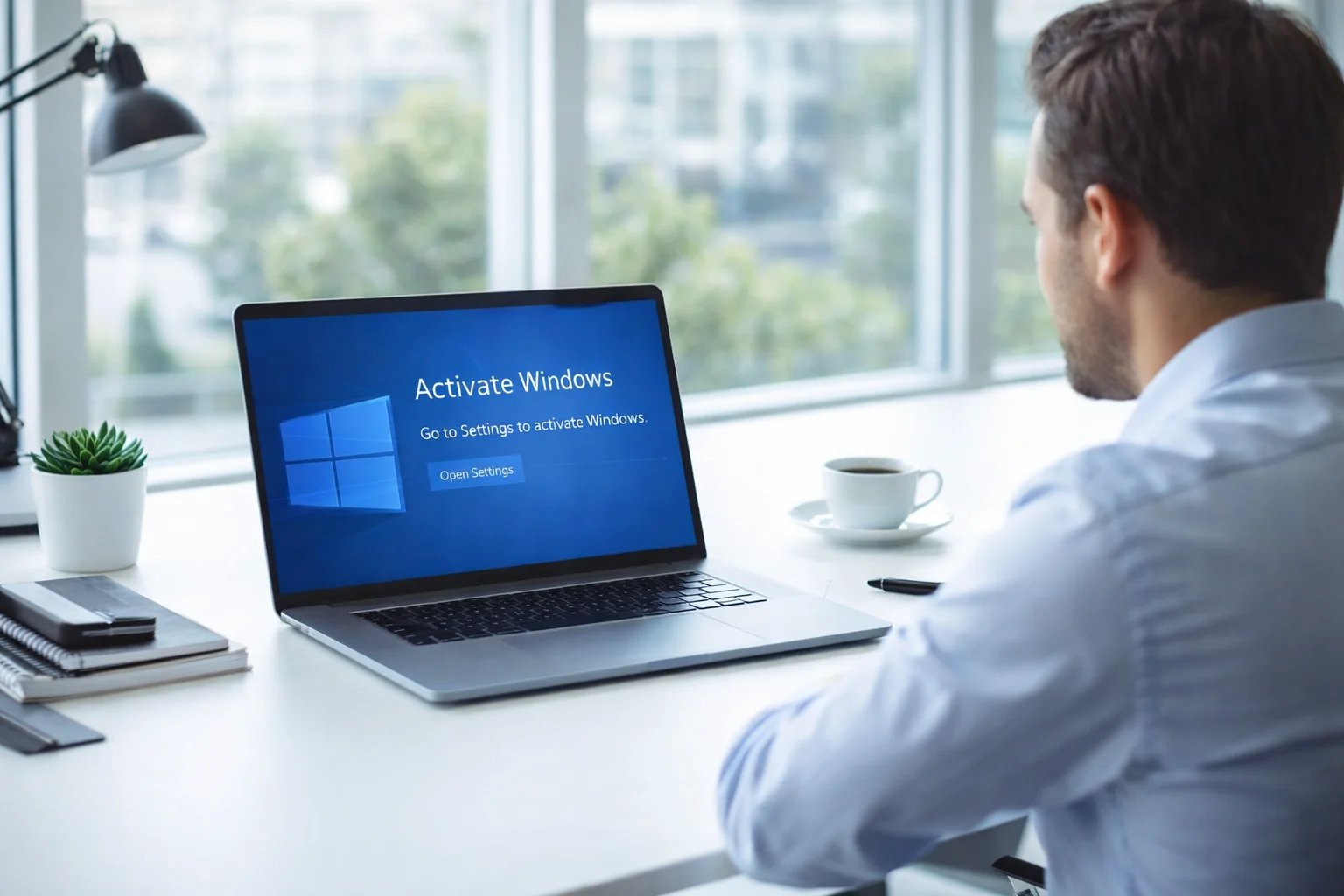
Without activation, Windows 10 works in limited mode and displays ongoing reminders.
Windows 10 Home vs Windows 10 Pro
Windows 10 Home
Best for:
- Students
- Personal laptops
- Home users
- Gamers
Includes:
- Microsoft Defender
- Device encryption
- Windows Hello
- Standard performance features
For most personal users, a Windows 10 Home key is more than enough.
Windows 10 Pro
Best for:
- Small businesses
- Remote workers
- IT professionals
- Corporate environments
Includes everything in Home plus:
- BitLocker encryption
- Remote Desktop
- Domain join
- Group Policy management
If you manage multiple devices or need advanced security, a Windows 10 Pro retail key is the smarter investment.
OEM vs Retail Windows 10 Keys
Windows 10 OEM Key
OEM licenses are tied permanently to the first motherboard they are activated on.
Advantages:
- Lower cost
- Perfect for single stable systems
Limitations:
- Not transferable
- Hardware-bound
OEM is ideal for home users who do not plan to change hardware.
Windows 10 Retail Key
Retail licenses offer flexibility.
Advantages:
- Transferable to a new PC
- Better for hardware upgrades
- Suitable for professionals
Limitations:
- Slightly higher price
If you upgrade computers regularly or manage business devices, Retail is the safer long-term choice.
Online Activation vs Phone Activation
Most Windows 10 keys activate online instantly.
Steps:
- Install Windows 10
- Go to Settings
- Select Update and Security
- Click Activation
- Enter product key
Some keys require phone activation, which involves calling Microsoft’s automated system and entering an installation ID. This process is legitimate and commonly used for certain Retail or volume licenses.
For official activation guidance, you can also reference Microsoft’s Windows 10 activation documentation.
Windows 10 Key Pricing Explained
Price differences usually depend on:
- Edition (Home vs Pro)
- License type (OEM vs Retail)
- Quantity (1PC, 5PC, 20PC)
- Seller reliability
Extremely cheap keys often lead to activation problems or blacklisting. A genuine Windows 10 key offers long-term stability and update security.
To compare options, visit the Windows OS category page for full license listings.
Common Windows 10 Activation Issues
Edition Mismatch
Installing Windows 10 Home and entering a Pro key will not activate. Always match edition with license.
Previously Used Keys
Buying from unreliable sellers can result in already-used keys.
Hardware Changes
Major hardware changes may require reactivation, especially with OEM licenses.
Region Confusion
Some volume licenses have regional restrictions.
Who Should Buy Windows 10 in 2026
Students Using Older Hardware
Windows 10 Home OEM is cost-effective and stable.
Businesses Running Legacy Software
Windows 10 Pro Retail provides flexibility and security.
IT Companies Managing Multiple Systems
Volume and Retail Pro licenses offer scalability.
Users Unsure About Upgrading to Windows 11
Windows 10 remains a safe and proven environment.
Why Buy from Leengold Keys
Leengold Keys provides:
- Genuine Windows licenses
- Clear OEM and Retail descriptions
- Instant digital delivery worldwide
- Support for activation assistance
- Multiple device license options
Explore:
Frequently Asked Questions
What is a Windows 10 product key used for
It activates Windows 10 and unlocks full system functionality.
Can I upgrade from Windows 10 Home to Pro with a key
Yes, by entering a valid Windows 10 Pro product key.
Is Windows 10 still supported
Yes, Windows 10 continues to receive updates under Microsoft’s lifecycle policies.
Can I reuse a Windows 10 OEM key
No, OEM keys are locked to the original device.
Is a cheap Windows 10 key safe
Only if purchased from a reliable and transparent license store.
What happens if Windows 10 is not activated
Personalization features are disabled and reminder notifications appear.
Is Retail better than OEM
Retail is more flexible because it can be transferred to a new PC.
Can I activate Windows 10 without internet
Yes, through phone activation if required.
Can I reinstall Windows 10 using the same key
Yes, Retail keys can be reused on the same device after reinstallation.
Does changing hardware affect activation
Major hardware changes can trigger reactivation, especially with OEM licenses.